
The rest of this blog was written as I did the upgrade, so it’s a bit of a past tense/present tense mish-mash …
First off I burned an ISO to DVD using FreeISOBurner, a nifty little burning tool, simple to use and pretty quick.
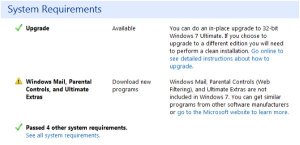
Next I downloaded the Windows 7 Upgrade Compatibility Advisor and installed that and ran it. It examines your system, drivers, software etc to see what, if any issues you may have. So I did that – first off I got this warning. It seems that Ultimate Extras which were never that much ultimate anyhow will be dying a death, I don’t suppose anybody will mourn them or even notice …
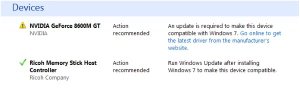
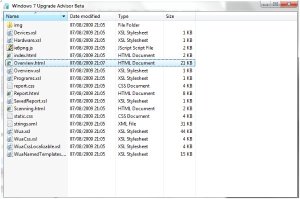
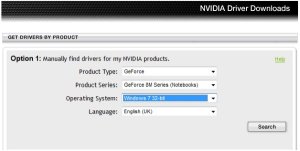
So I clicked on the link that said Overview.html and it showed me the previous screen in the browser-that’s a bug right there I guess. So IN THE BROWSER, I clicked the same link again and it got me nowhere, so hey lets search for the Driver via Bing. Did that found the NVIDIA site and the page you would need is http://www.nvidia.com/Download/index.aspx?lang=en-us which gives a handy little search for your particular system.
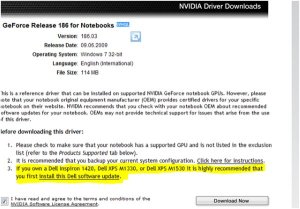
So I entered mine and thank goodness it came up with a driver page but … with a warning about my particular machine, as shown. It warned that I should run another Dell update first to avoid a noisy fan! . . . . . . ok . . . bizaare but ok,
so clicked the link and onto the Dell Site I ended up and it transpired that a BIOS update was needed to the A12 BIOS. I’m sure that means something to somebody, but personally noting to me, but hey ho, on we go. At this point I had to close everything down and let the BIOS update do it’s thing, so I think I’ll finish this blog entry and I’ll see you on the other-side, when we’ll continue upgrading ( I hope ) to Windows 7 from Windows Vista ….
Cheers
Dave Mc








Leave a Reply