
One of my favourite new features of SharePoint 2010 is Visio Services, so as soon as I had my SharePoint 2010 Beta 2 installed, I did a quick diagram in Visio 2010 and published it to SharePoint. I kept getting an error message saying "Visio Web Access is not available on this site" WTF? I checked by Service Application Associations in Central Administration and sure enough Visio Graphics Services were associated with the Web Application I was using. So then I checked the Site Collection Features in Site Settings and there is a Feature (which was there in MOSS 2007) titled "SharePoint Server Enterprise Site Collection features" with a description "Features such as InfoPath Forms Services, Visio Services, Access Services, and Excel Services, included in the SharePoint Server Enterprise License." Sounded pretty good to me, so I clicked the activate feature button and got, after waiting an age, the dreaded Sharepoint 2010 CorrelationID error, so I clicked it again as that often works … nope failed again.
So I guess it was back to the good old reliable stsadm in the new Powershell administrators Console.

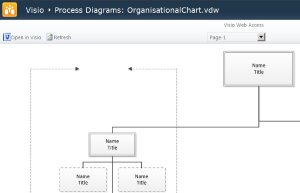
That seemed to do the trick (some things don’t change …). Sure enough refreshing the Manage Features page showed the feature had been activated and refreshing my uploaded Visio file gave me the view below in all its glory (OK it’s a s**t diagram – I was just checking everything was working OK?) …
Cheers
Dave Mc







 Dave Mc's Blog
Leave a reply to Daniel Barroso Cancel reply